






ScannX® introduces t
INTRODUCING THE
FIRST LIBRARY COPIER
POWERED BY SCANNX
Scannx 13.4" Touch Screen Largest touch screen on the planet
Illuminated paper Feed section helps patrons to see their pages for easy retrieval
Super easy for patrons to Copy, Scan to Email, Scan to Smartphone, Fax, Easy Print from USB and Mobile Print Ready
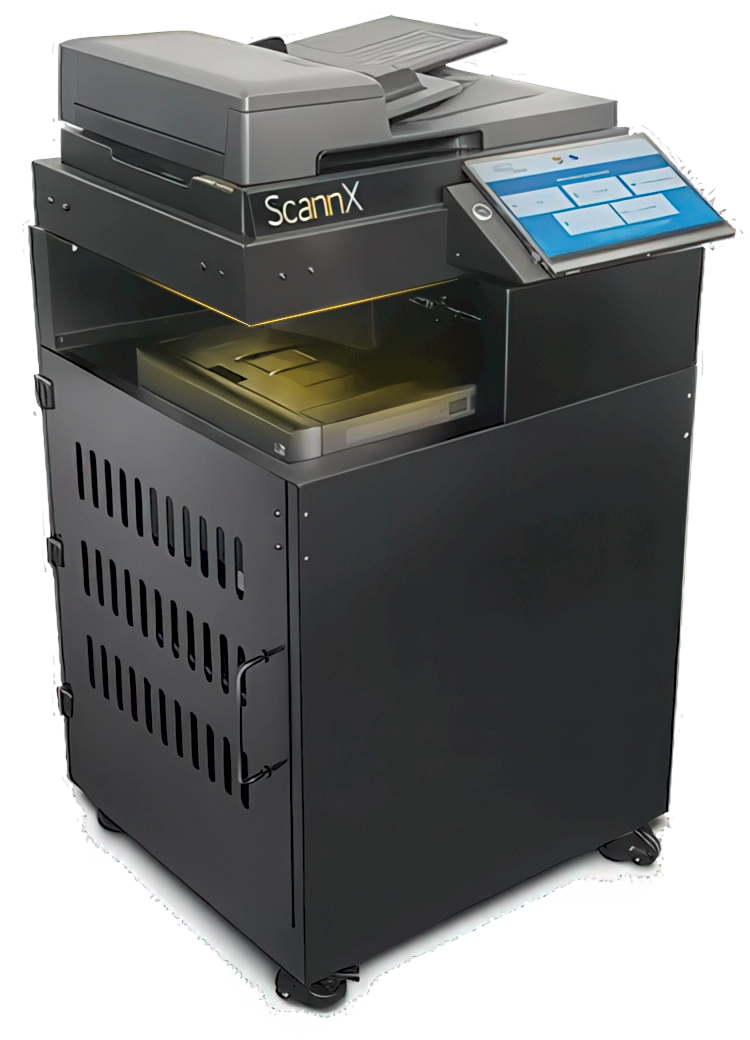
The ScanPerfect MFP 1000 The first Multi-Function Printer with ScannX software designed for libraries.
One Device,
Endless Copying Possibilities
The ScanPerfect software enables the ScannX MFP to convert copies into more than a dozen file formats, and send them to more than 25 destinations from a single copy, no re-copying or re-scanning required. New features include translation and handwriting recognition services, and accessibility features for the visually impaired. Track usage statistics of all scanners and MFPs powered by ScannX software.
Unlike other copiers and MFPs, the ScanPerfect MFP software automatically crops, rotates and orients the image to produce perfect copies, regardless of where you place the document on the flatbed glass. Add an optional ScannX book scanner to the ScanPerfect MFP via USB port, and scan books. It’s that simple!
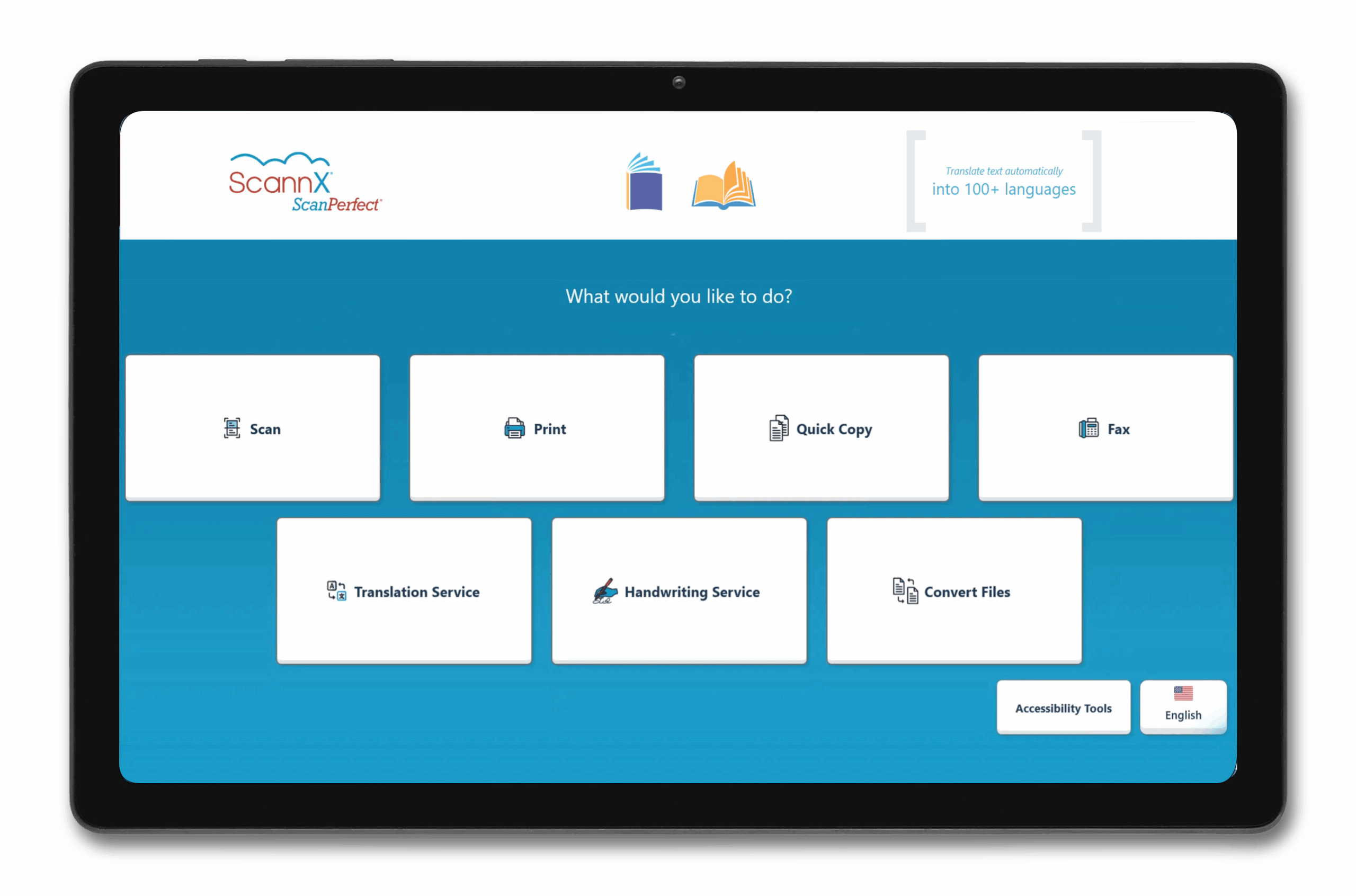
Includes ScannX’s award winning software, used by thousands of libraries for its ease-of-use, reliability, and security.
For library customers with ScannX book scanning solutions, the ScannX Software on the book scanner is the same software that runs on the ScanPerfect MFP 1000 copier. No learning a new user interface. And ScannX Scannalytics cloud services tracks usage by device for all copiers, book scanners and document scanners powered by the ScannX software.
Everything library patrons want.
Options libraries need.
- Auto crop, auto straighten auto orient the image for perfect copies every time
- Select the color laser printer that best fits your speed requirements or supply your own
- Convert copies in up to 3 different file formats from one copy – no extra copying required
- Send copies to multiple destinations without rescanning or re-copying
- Convert text into MP3 and ePub audio file formats
- Send copies to your smartphone or tablet
- Reorder, insert and delete pages on the fly
- Print files from your USB drive, and cloud storage accounts
- Converts the UI into several different user selectable languages
- Option to add translation, handwriting recognition, and plagiarism detection services
- Includes accessibility features for the visually impaired
- Track anonymous usage statistics for understanding community preferences
Add the Power of Overhead Book Scanning!
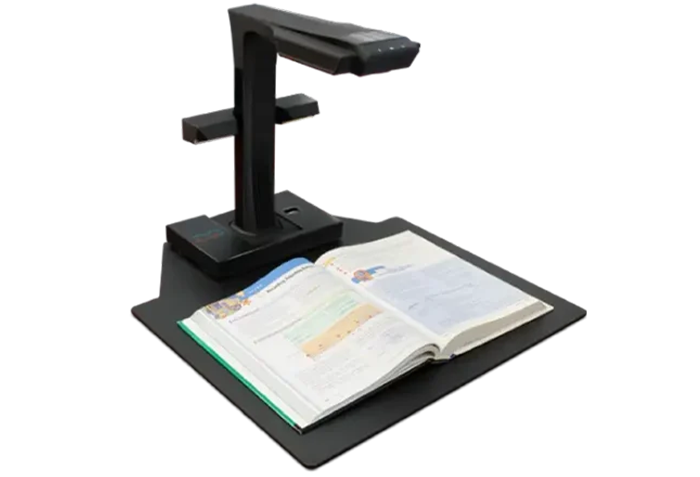
Connect a ScannX book scanner into the MFP via USB, and scan!
Proud Sponsors